
If you’ve built or managed a website in the last decade, you’ve almost certainly encountered a traditional CMS – WordPress, Drupal, Joomla. These platforms have powered the web for years, and for good reason: they bundle everything you need into one package. But as the web has evolved, a new architecture has emerged that’s reshaping how teams think about content management: the headless CMS.
In this post, we’ll break down what a headless CMS actually is, how it differs from a traditional setup, and help you decide whether it’s the right fit for your next project.
The Traditional CMS: Head and Body Together
To understand “headless,” you first need to understand what the “head” actually refers to.
In a traditional CMS like WordPress, the system handles two jobs simultaneously:
- Content management – storing, organizing, and editing your content (posts, pages, media)
- Content presentation – rendering that content as HTML and delivering it to the browser
The “head” in this context is the frontend layer – the part users actually see. In a monolithic CMS, the head is tightly coupled to the body (the backend). Your theme or template system lives inside the CMS itself, and the platform decides how your content gets rendered.
This works great for straightforward websites. But it starts to show its limits when your content needs to appear in multiple places – a website, a mobile app, a digital display, a voice interface – each with its own presentation requirements.
Enter the Headless CMS
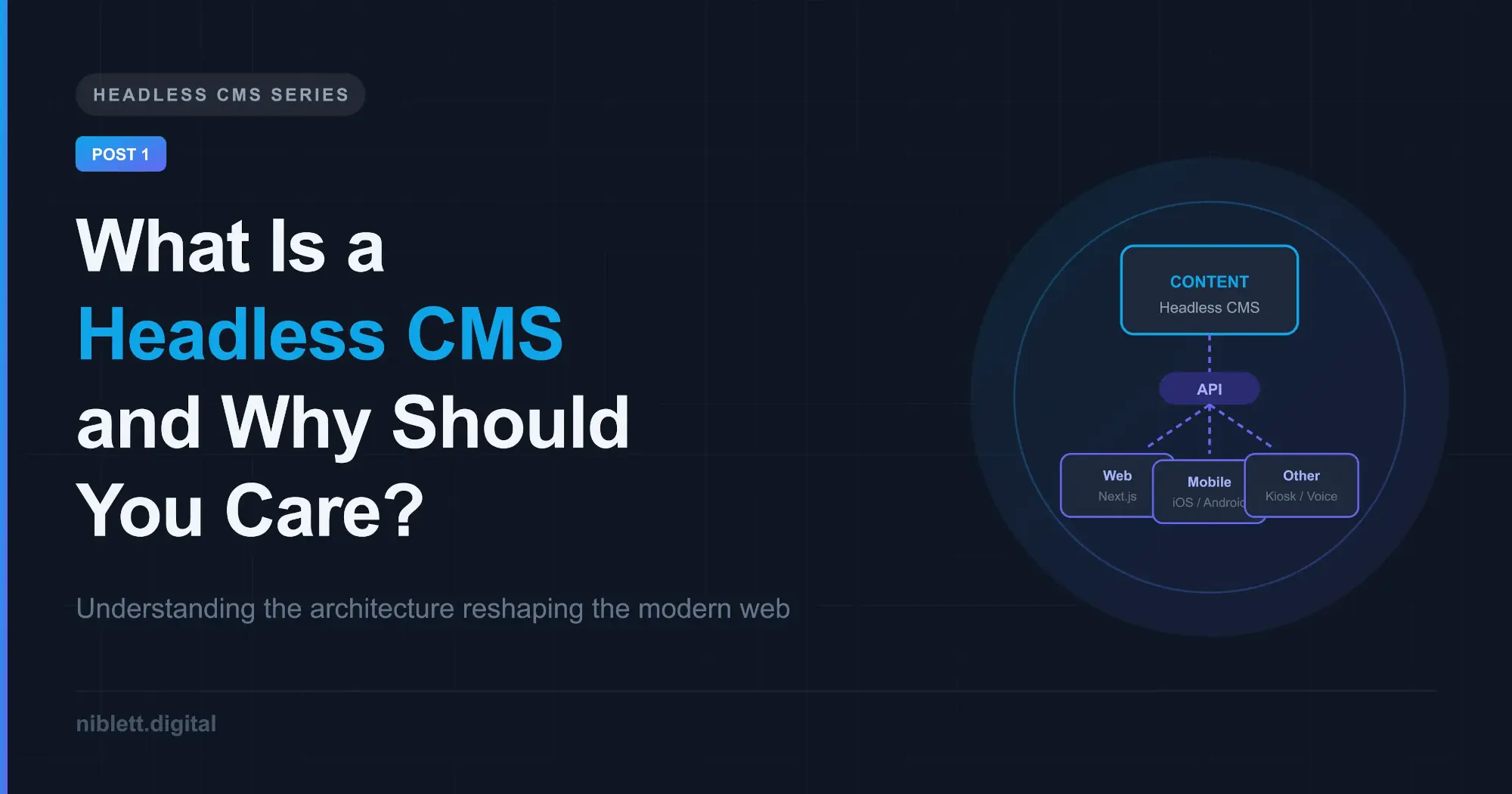
A headless CMS removes the frontend layer entirely. It focuses solely on content storage, organization, and delivery – and exposes that content through an API (typically REST or GraphQL).
The “head” – your frontend – becomes a completely separate concern. You build it yourself using whatever technology you choose: Next.js, Nuxt, Astro, a native mobile app, or anything else that can consume an API. The CMS doesn’t care what’s rendering the content. Its job is simply to store it and serve it when asked.
This decoupling is the core idea behind headless architecture, and it has significant implications for how teams build and scale digital products.
How Content Delivery Actually Works
Here’s a simplified flow of how a headless setup operates:
- A content editor logs into the CMS dashboard and writes or updates content – just like they would in WordPress.
- That content is saved to the CMS database and becomes available via the API.
- The frontend application – built separately – makes API requests to fetch that content at build time (for static sites) or at request time (for dynamic rendering).
- The frontend renders the content using its own templates, components, and styles.
The CMS and the frontend communicate entirely through the API. They can be deployed independently, scaled independently, and even swapped out independently without affecting each other.
Traditional vs. Headless: A Direct Comparison
| Traditional CMS | Headless CMS | |
|---|---|---|
| Frontend control | Theme/template system | Fully custom |
| Content delivery | HTML pages | API (REST or GraphQL) |
| Multi-channel support | Limited | Native |
| Developer flexibility | Constrained by platform | Any stack or framework |
| Editor experience | Mature, familiar UI | Varies by platform |
| Setup complexity | Low | Moderate to high |
| Hosting | Single deployment | Separate frontend + backend |
Who Should Consider Going Headless?
Headless isn’t the right choice for every project. Here’s a realistic breakdown:
It’s a strong fit if:
- Your content needs to appear on multiple platforms (web, mobile, kiosk, etc.)
- Your team wants full control over the frontend stack and performance
- You’re building a product where load speed and Core Web Vitals matter significantly
- You anticipate content architecture changes over time and want backend flexibility
- You’re integrating with a modern frontend framework like Next.js or Nuxt
It may not be worth it if:
- You need a simple blog or brochure site with no complex integrations
- Your team lacks frontend development resources
- You need a quick launch with minimal infrastructure overhead
- Your editors require a rich, all-in-one publishing experience out of the box
The honest truth is that headless adds complexity. You’re now managing two separate systems – a content backend and a frontend application – instead of one. That trade-off is absolutely worth it in the right context, but it shouldn’t be the default assumption.
The Rise of the “Composable” Web
Headless CMS is part of a broader architectural shift often called the composable stack or MACH architecture (Microservices, API-first, Cloud-native, Headless). The idea is that modern digital products are best built by combining best-of-breed services – a headless CMS for content, a specialized e-commerce engine for transactions, a dedicated search service for discovery – rather than relying on a single monolithic platform to do everything.
This approach gives development teams genuine flexibility. It also means the content layer can evolve independently from the frontend, and vice versa. When a better frontend framework comes along, you adopt it without migrating your entire CMS. When your content model needs restructuring, you do it without redeploying your frontend.
What’s Next
In the next post, we’ll look at the most popular headless CMS options on the market today – Contentful, Sanity, Strapi, Payload, and others – and walk through how to evaluate which one fits your project’s needs. We’ll compare factors like pricing, content modeling flexibility, developer experience, and self-hosted vs. managed tradeoffs.
If you’ve been running on a traditional CMS and starting to feel its constraints, or if you’re architecting a new project and want to understand your options, the comparison in Part 2 will give you a practical framework for making that call.
This is Part 1 of a 5-part series on building with a Headless CMS.