
In Part 1 of this series, we covered what a headless CMS is and how it differs from a traditional platform like WordPress. If you’ve decided that headless is the right direction for your project, the next question is: which one do you choose?
The headless CMS market has exploded over the last few years. There are now dozens of options, each with different philosophies around content modeling, developer experience, pricing, and hosting. Picking the wrong one early in a project can mean painful migrations down the road — so it’s worth taking the time to evaluate your options properly.
This post breaks down the main players, the key architectural decision you’ll need to make upfront, and a practical framework for landing on the right choice.
The Main Players
Contentful is one of the most established names in the headless CMS space and is widely used in enterprise environments. It’s fully managed — you don’t host anything yourself — and offers a polished content editing experience with a mature API, strong SDKs, and excellent documentation.
Its content modeling is flexible, and its ecosystem of integrations is extensive. The trade-off is pricing: Contentful’s free tier is limited, and costs can scale quickly as your team and content volume grow. It’s a strong choice for teams that want reliability, support, and minimal infrastructure overhead, and are comfortable paying for it.
Best for: Mid-to-large teams, enterprise projects, organisations that prioritise editor experience and support.
Sanity has rapidly become a favourite among developers for its real-time collaborative editing, extremely flexible content modeling, and its customisable studio — an open-source React-based editing interface you can shape to fit your exact workflow.
Content in Sanity is stored as structured JSON and queried using GROQ, Sanity’s own query language (though a GraphQL API is also available). The learning curve for GROQ is real, but it’s powerful once you’re comfortable with it. Sanity’s free tier is generous, and pricing scales reasonably for most projects.
Best for: Developer-led teams, projects with complex or unconventional content models, teams that want a highly customised editing experience.
Strapi is the leading open-source headless CMS and is self-hosted by default, which gives you complete control over your data, infrastructure, and costs. It’s built on Node.js, ships with both REST and GraphQL APIs out of the box, and has a solid admin panel that non-technical editors can use without much training.
The self-hosted nature means you’re responsible for deployment, scaling, and maintenance — but it also means no per-seat or per-API-call pricing. Strapi Cloud is available if you want a managed hosting option. The plugin ecosystem is growing, and the community is active.
Best for: Teams that need full data ownership, projects with tighter budgets, developers comfortable managing their own infrastructure.
Payload is a newer entrant that’s gained significant traction among developers who want a TypeScript-first, code-centric CMS. Unlike the others, Payload is configured entirely in code — your content schema lives in your codebase, not in a GUI — which makes it exceptionally well-suited to version-controlled, developer-driven workflows.
It’s self-hosted, open-source, and ships with a clean admin UI generated automatically from your schema. Payload 3.0 introduced full Next.js integration, making it a natural fit for teams already building on that stack.
Best for: Developer-driven teams, Next.js projects, teams that want CMS configuration in version control.
Managed vs. Self-Hosted: The Decision You Need to Make First
Before comparing features, you need to answer one foundational question: do you want to manage your own infrastructure or pay someone else to handle it?
Managed (SaaS) platforms like Contentful and Sanity host everything for you. Updates, uptime, scaling, and backups are handled by the vendor. You pay for this convenience through subscription pricing, which typically scales with usage, team size, or API calls.
Self-hosted platforms like Strapi and Payload give you full control. You deploy to your own server or cloud environment, manage your own database, and handle your own backups and updates. The upfront cost is lower, but the operational responsibility is higher.
For most small-to-medium projects, a managed platform removes meaningful complexity. For larger teams with dedicated DevOps capacity, or projects where data sovereignty is a requirement, self-hosted is often the better call.
A Practical Decision Framework
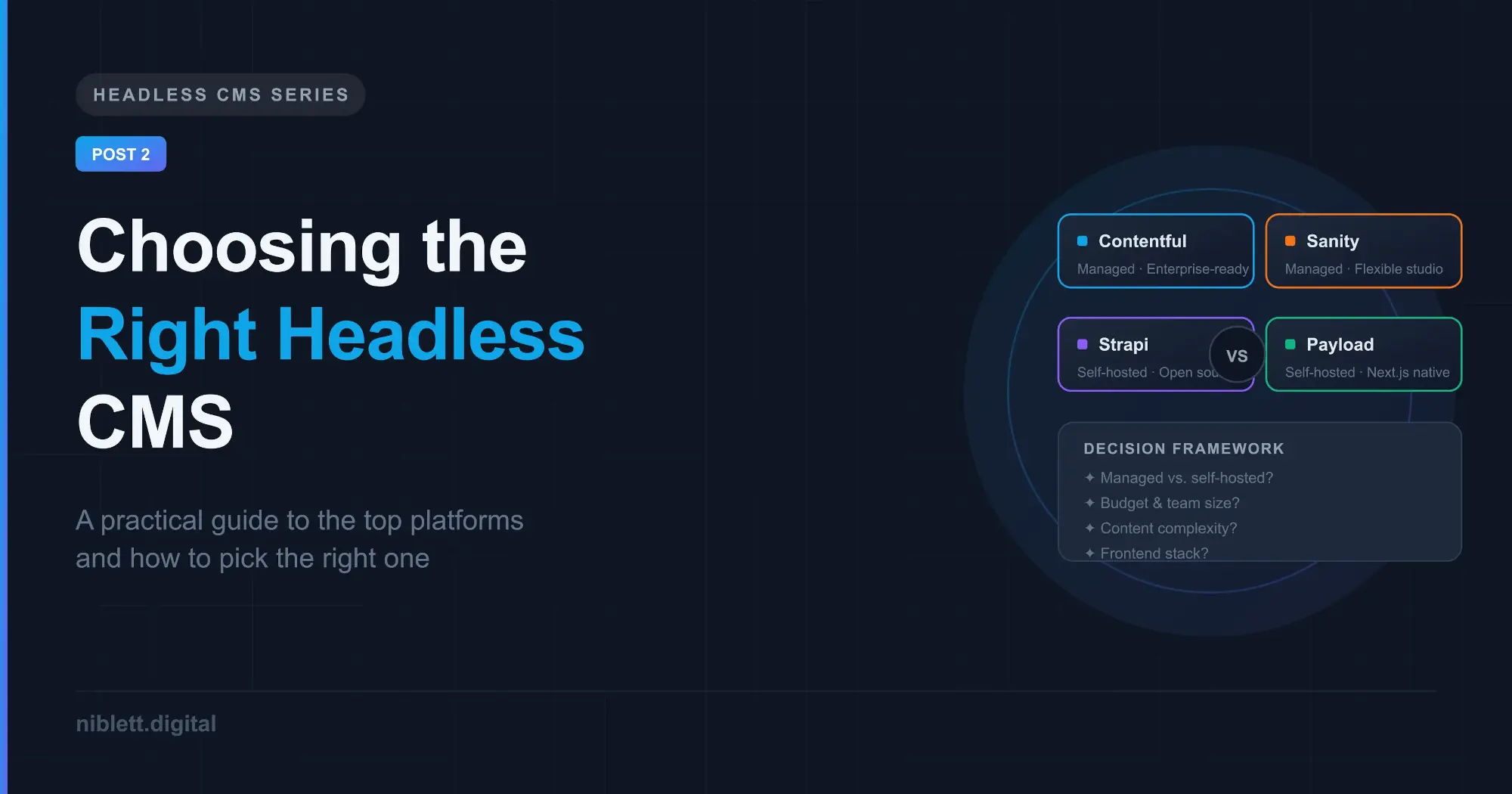
Use these questions to guide your evaluation:
- Who is managing the infrastructure? If you don’t have a developer or DevOps resource who can own deployment and maintenance, lean towards a managed platform.
- What’s your budget model? If you’re optimising for predictable monthly costs, self-hosted open-source gives you more control. If you’re optimising for time-to-launch and support, a SaaS platform may be worth the cost.
- How complex is your content model? Simple content (blog posts, pages, media) works well on any platform. Complex, highly relational, or unconventional content models are where Sanity and Payload tend to shine.
- Who are your content editors? Non-technical editors benefit from polished, intuitive interfaces — Contentful and Strapi both do this well. Developer-centric teams may not care as much about the editing UI.
- What’s your frontend stack? If you’re building with Next.js, Payload’s native integration is worth serious consideration. Most platforms work well with any modern framework, but tight integrations reduce friction.
Quick Comparison
| Contentful | Sanity | Strapi | Payload | |
|---|---|---|---|---|
| Hosting | Managed | Managed | Self-hosted (Cloud option) | Self-hosted |
| Open Source | No | Partial | Yes | Yes |
| API | REST + GraphQL | GROQ + GraphQL | REST + GraphQL | REST + GraphQL |
| Free Tier | Limited | Generous | Yes | Yes |
| Editor Experience | Excellent | Highly customisable | Good | Auto-generated |
| TypeScript Support | Good | Good | Good | Native |
| Best Stack Fit | Any | Any | Any | Next.js |
Making the Call
There’s no universally correct answer here — the right headless CMS is the one that fits your team’s skills, your project’s content requirements, and your operational constraints. That said, a few rules of thumb hold up well in practice:
- If you’re a solo developer or small team and want to move fast without managing infrastructure, Sanity offers the best balance of flexibility and developer experience.
- If you’re building for a non-technical team that needs a great editing interface and you have budget, Contentful is hard to beat.
- If data ownership and cost control are priorities and you have the technical capacity to self-host, Strapi is the mature, battle-tested choice.
- If you’re deep in the Next.js ecosystem and want your CMS to feel like part of your codebase, Payload is worth serious consideration.
What’s Next
In Part 3, we’ll move from evaluation into execution. We’ll walk through setting up your chosen headless CMS, structuring a content model that scales well, and the common mistakes teams make when they’re getting started.
This is Part 2 of a 5-part series on building with a Headless CMS.